
For any website
Any table on the web, into your spreadsheet.
Click the icon to see every table on the page with a preview. Download a clean CSV, or copy it and paste straight into Excel or Google Sheets.
Works in Chrome, Edge and other Chromium browsers.
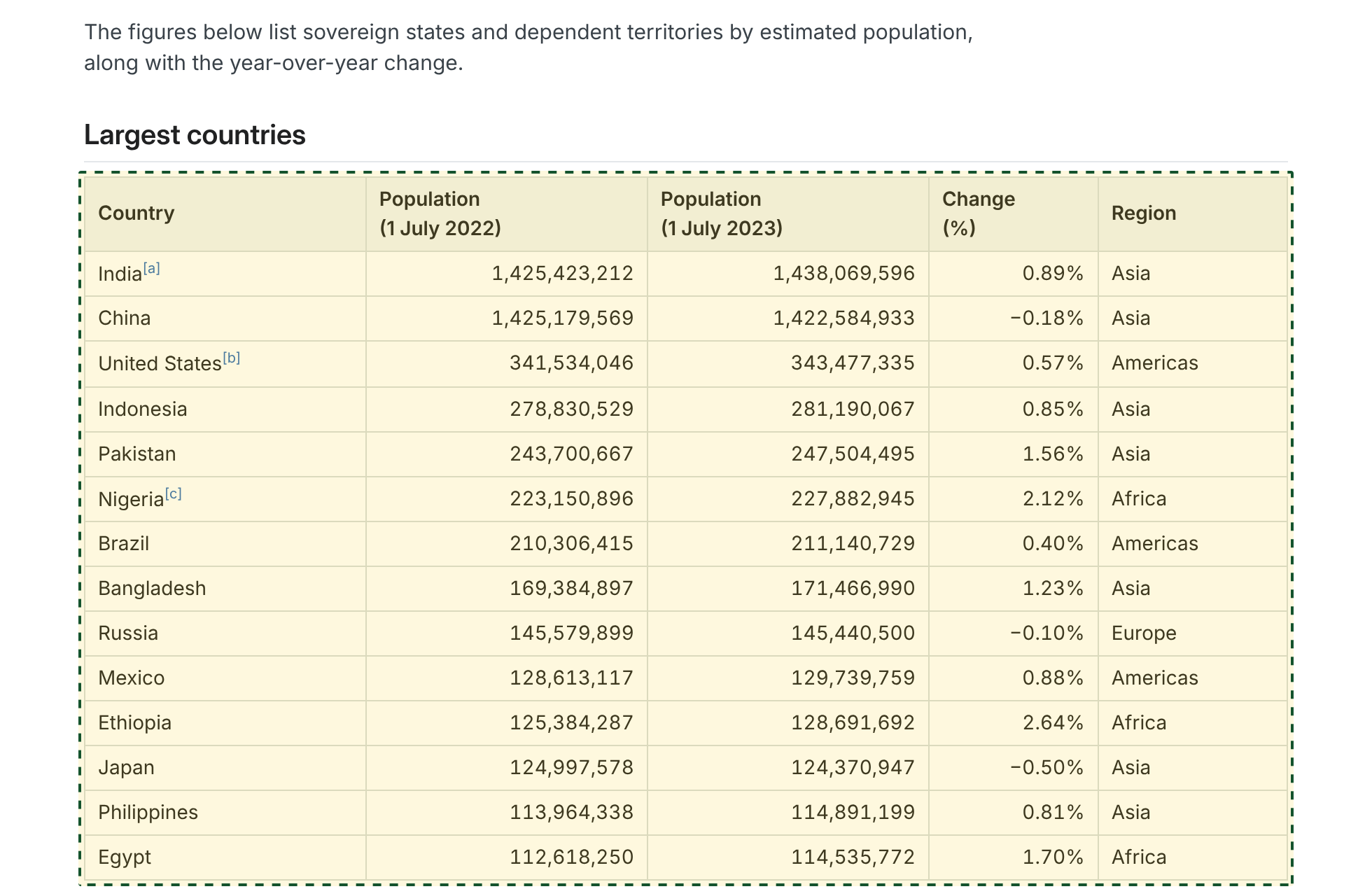
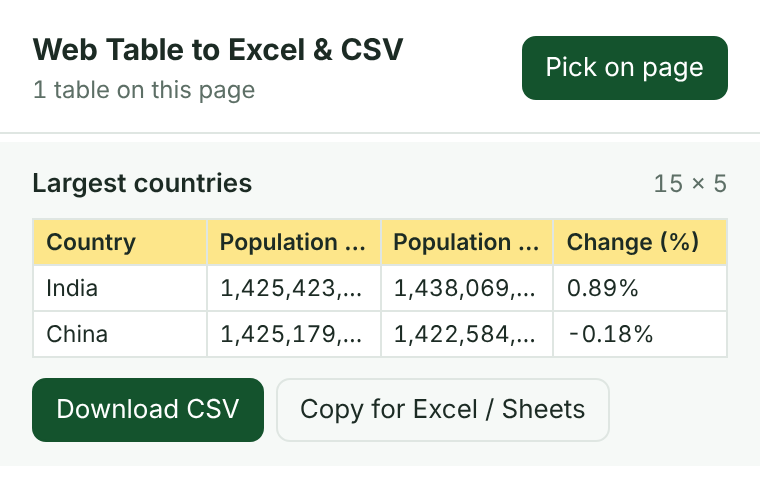
Or just click the table you want.
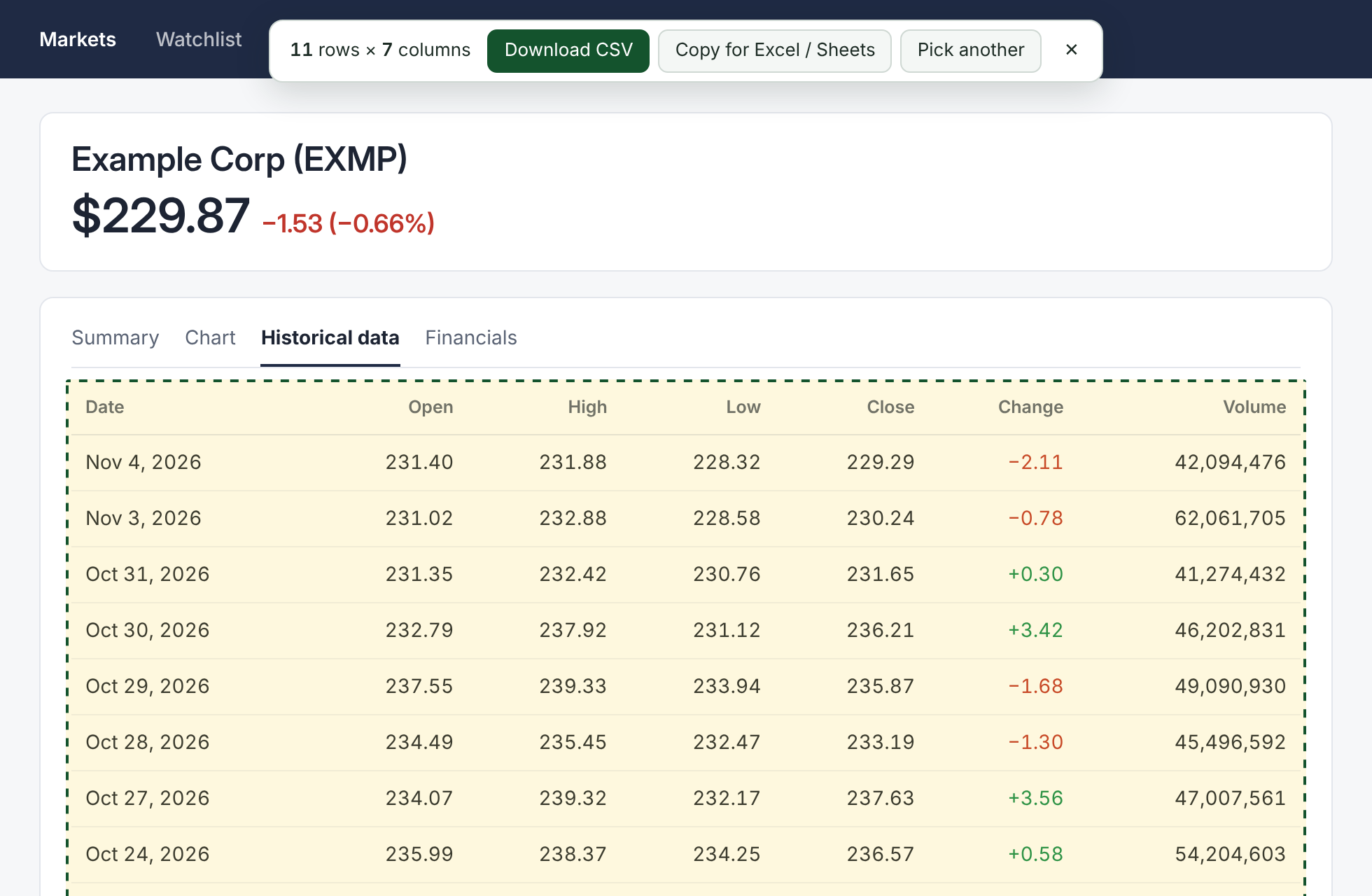
"Pick on page" outlines tables as you move your mouse. Click one to get its size and the export buttons. Works on dashboards, stats sites and tables that load after the page.
Clean data, not a cleanup job
- Footnote markers removed"China[a]" becomes "China", so lookups match.
- Negative numbers stay numbersTypographic minus signs (−) are converted so spreadsheets can do math on them.
- Repeated headers appear onceSports and finance sites that repeat the header every 20 rows export cleanly.
- Hidden rows and button columns left outYou get what you see, without "Edit" or "Buy" columns.
- Merged cells, line breaks and every language handledAccents and symbols open correctly in Excel.
- Safe filesCells that look like spreadsheet formulas are neutralised so a download can't run anything when opened.
| A | B | C | D | E | |
|---|---|---|---|---|---|
| 1 | Country | Population (1 July 2022) | Population (1 July 2023) | Change (%) | Region |
| 2 | India | 1,425,423,212 | 1,438,069,596 | 0.89% | Asia |
| 3 | China | 1,425,179,569 | 1,422,584,933 | -0.18% | Asia |
| 4 | United States | 341,534,046 | 343,477,335 | 0.57% | Americas |
| 5 | Indonesia | 278,830,529 | 281,190,067 | 0.85% | Asia |
| 6 | Pakistan | 243,700,667 | 247,504,495 | 1.56% | Asia |
| 7 | Nigeria | 223,150,896 | 227,882,945 | 2.12% | Africa |
| 8 | Brazil | 210,306,415 | 211,140,729 | 0.40% | Americas |
| 9 | Bangladesh | 169,384,897 | 171,466,990 | 1.23% | Asia |
Private by design
The extension reads a page only when you click its icon, and only that page. Tables are converted inside your browser and never leave your computer.
Chrome permissions: activeTab (the current page, only after you click) and scripting (to read its tables). Full privacy details
Questions
It says "No tables found", but I can see one.
Some web apps, such as Google Sheets and Airtable, draw grids without real table markup. Those aren't supported yet. Try "Pick on page" in case the table loaded after the page.
It doesn't work on some pages.
Chrome doesn't allow extensions on its own pages (chrome://), the Chrome Web Store, or some built-in viewers. On regular websites it works everywhere.
Leading zeros disappear when I open the CSV in Excel.
The file keeps them, but Excel removes them when it opens a CSV. Use Excel's Data › From Text/CSV import and set that column to Text.